Commands & settings
PaneCrew doesn't have its own CLI flags or a hardcoded shortcut registry. As a VS Code extension, it contributes ordinary VS Code commands and settings, and keyboard shortcuts are bound the same way you'd bind any other command: through VS Code's ownkeybindings.json.
Commands
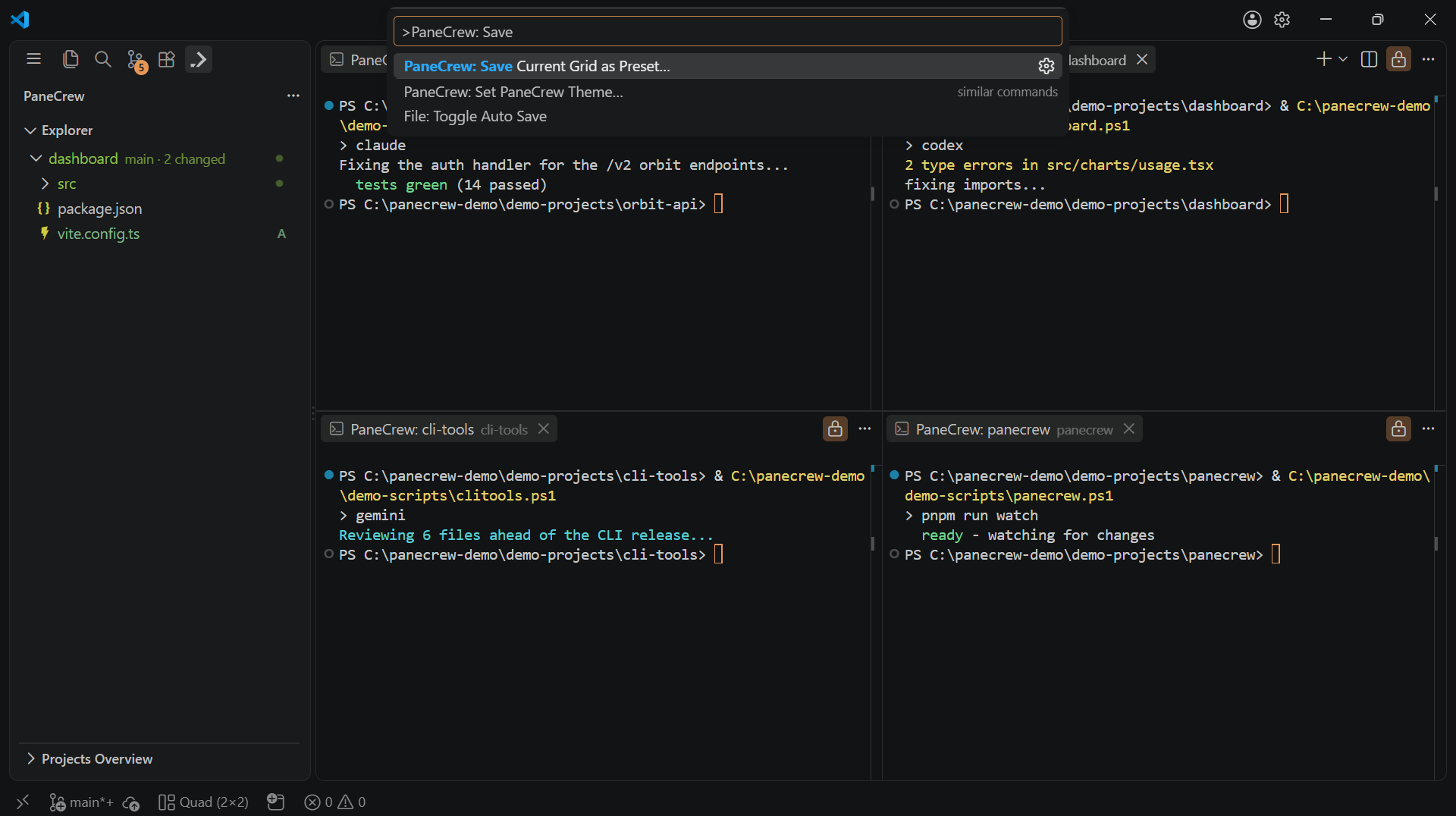
Every command in this table shows up the same way: type its title into the Command Palette.
Every command below is available from the Command Palette (⌘⇧P /Ctrl+Shift+P) by typing its title. To bind a keyboard shortcut to one, open the Keyboard Shortcuts editor (⌘K ⌘S / Ctrl+K Ctrl+S), search for the command title, and assign a key — or add an entry directly to keybindings.json:
{
  "key": "ctrl+alt+g",
  "command": "panecrew.openProjectGrid"
}| Command | Command ID |
|---|---|
| PaneCrew: Open Project Grid… | panecrew.openProjectGrid |
| PaneCrew: Set Default Projects Folder… | panecrew.setDefaultProjectsFolder |
| PaneCrew: Add Folder to Grid… | panecrew.addFolderToGrid |
| PaneCrew: Set Grid Template… | panecrew.setGridTemplate |
| PaneCrew: Apply Compact Look | panecrew.applyCompactLook |
| PaneCrew: Restore Default VS Code Look | panecrew.restoreLook |
| PaneCrew: Save Current Grid as Preset… | panecrew.savePreset |
| PaneCrew: Load Grid Preset… | panecrew.loadPreset |
| PaneCrew: Delete Grid Preset… | panecrew.deletePreset |
| PaneCrew: Search in Folder… | panecrew.searchInFolder |
| PaneCrew: Refresh Explorer | panecrew.refreshExplorer |
| PaneCrew: Set PaneCrew Theme… | panecrew.setPaneCrewTheme |
| PaneCrew: Rate PaneCrew / Give Feedback… | panecrew.rateOrGiveFeedback |
Settings
Configurable from the Settings editor (search "PaneCrew") or directly insettings.json:
| Setting | Default | Description |
|---|---|---|
panecrew.grid.defaultColumns | 2 | Default column count for a new project grid. |
panecrew.grid.defaultRows | 2 | Default row count for a new project grid. |
panecrew.grid.defaultProjectsFolder | "" | Folder the file picker opens in for "Open Project Grid…", "Add Folder to Grid…", and "Open Project in New Window…". Empty means VS Code's own default location. Set it with a folder picker via the "PaneCrew: Set Default Projects Folder…" command instead of typing a path here. |
panecrew.compactLook.hideStatusBar | true | Whether Compact Look hides the status bar. |
panecrew.compactLook.hideMinimap | true | Whether Compact Look hides the editor minimap. |
panecrew.git.showDecorations | true | Show git status badges/colors in the PaneCrew explorer. |
Compact Look never hides the activity bar, regardless of settings — that row stays visible in PaneCrew's standard look by design.
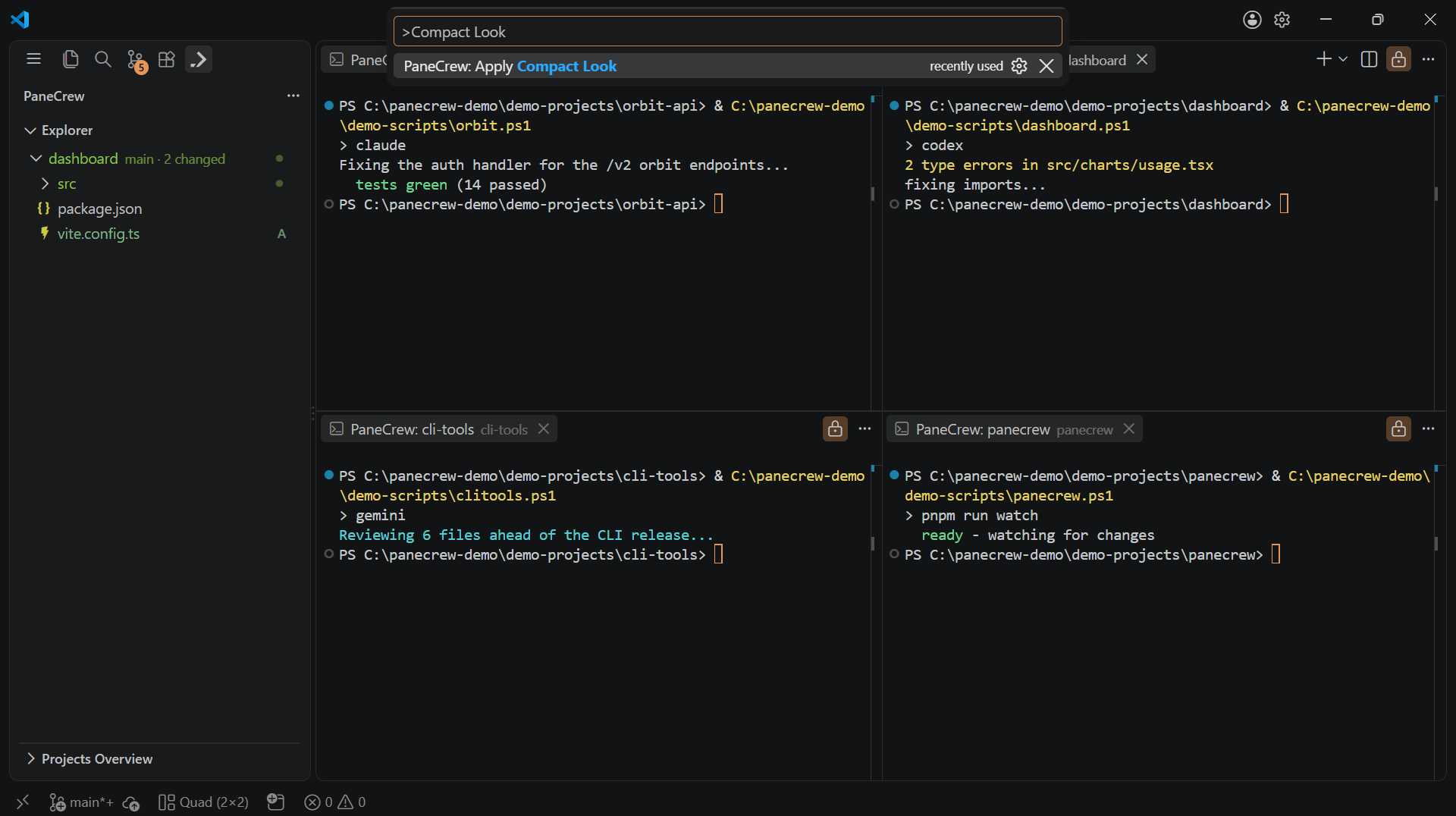
Compact Look in action — the two settings above control exactly what it hides.